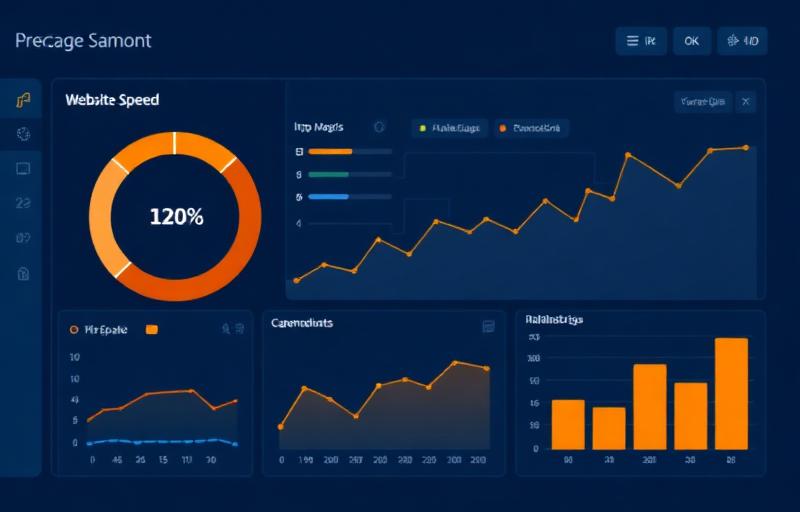
Why Speed Is a Ranking Factor
Google has been clear: page speed is a ranking signal. Since the introduction of Core Web Vitals, the search engine measures three key metrics — Largest Contentful Paint (LCP), Cumulative Layout Shift (CLS), and Interaction to Next Paint (INP) — to assess user experience.
For local businesses, this is especially important. When a potential customer searches for a service on their phone, they expect the page to load instantly. If your site takes more than three seconds, over half of mobile users will leave before it even finishes loading.
The Real Cost of a Slow Website
A slow website doesn't just hurt your rankings — it directly impacts your bottom line. Studies show that a one-second delay in page load time can reduce conversions by up to 7%. For a local business generating enquiries through their website, that could mean dozens of lost leads every month.
Beyond conversions, slow sites also suffer from higher bounce rates, lower time on page, and fewer pages per session. All of these are signals that Google uses to evaluate the quality of your site.
How to Improve Your Site Speed
Here are the most impactful steps you can take:
1. Optimise Your Images
Images are often the biggest culprit. Use modern formats like WebP, compress images before uploading, and implement lazy loading so images only load when they're visible on screen.
2. Choose Quality Hosting
Budget shared hosting might save you a few pounds a month, but the performance cost is significant. A quality hosting provider with server-side caching and a CDN can cut your load times dramatically.
3. Minimise Render-Blocking Resources
CSS and JavaScript files that block the initial render of your page should be deferred or loaded asynchronously. This allows the browser to display content to the user faster.
4. Enable Browser Caching
Caching allows returning visitors to load your site much faster by storing static resources locally. This is a simple configuration change that makes a measurable difference.
5. Audit Regularly
Use tools like Google PageSpeed Insights and GTmetrix to monitor your performance. Core Web Vitals change, and what passes today might not pass tomorrow.
The Competitive Advantage
Most small business websites are slow. If you invest in speed, you immediately stand out from competitors who haven't. Combined with strong local SEO, a fast website becomes a powerful tool for winning new customers.